01
Record anything
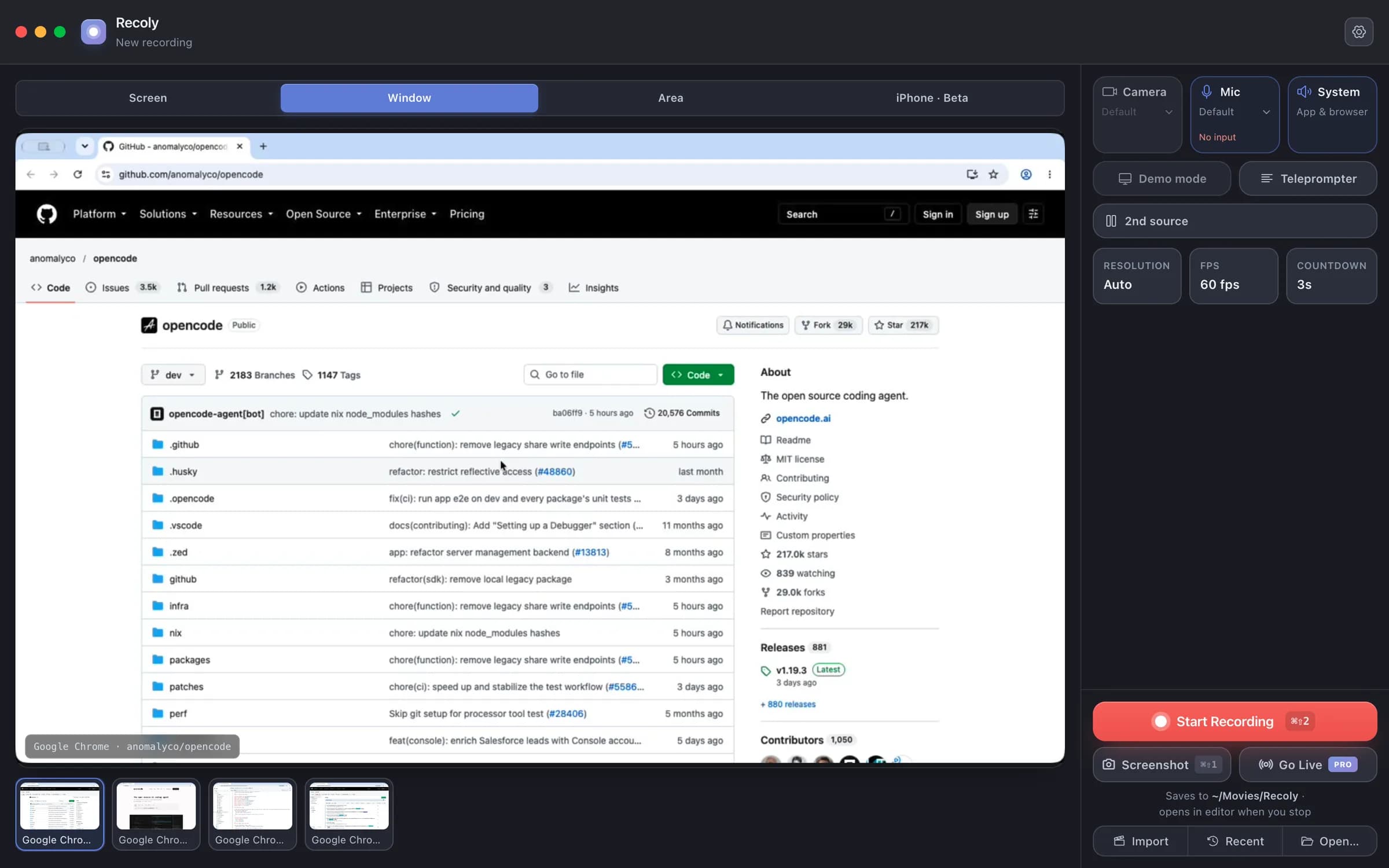
A screen, one window, any area or an iPhone — with mic, system audio, webcam and a second screen alongside. A border shows exactly what is being captured.
Record your Mac in up to 4K. Recoly zooms on every click, smooths the cursor, frames it on a clean background and adds captions — then lets you edit it all in one place.
Free for macOS · No account needed · Everything stays on your Mac
How it works
A screen, one window, any area or an iPhone — with mic, system audio, webcam and a second screen alongside. A border shows exactly what is being captured.
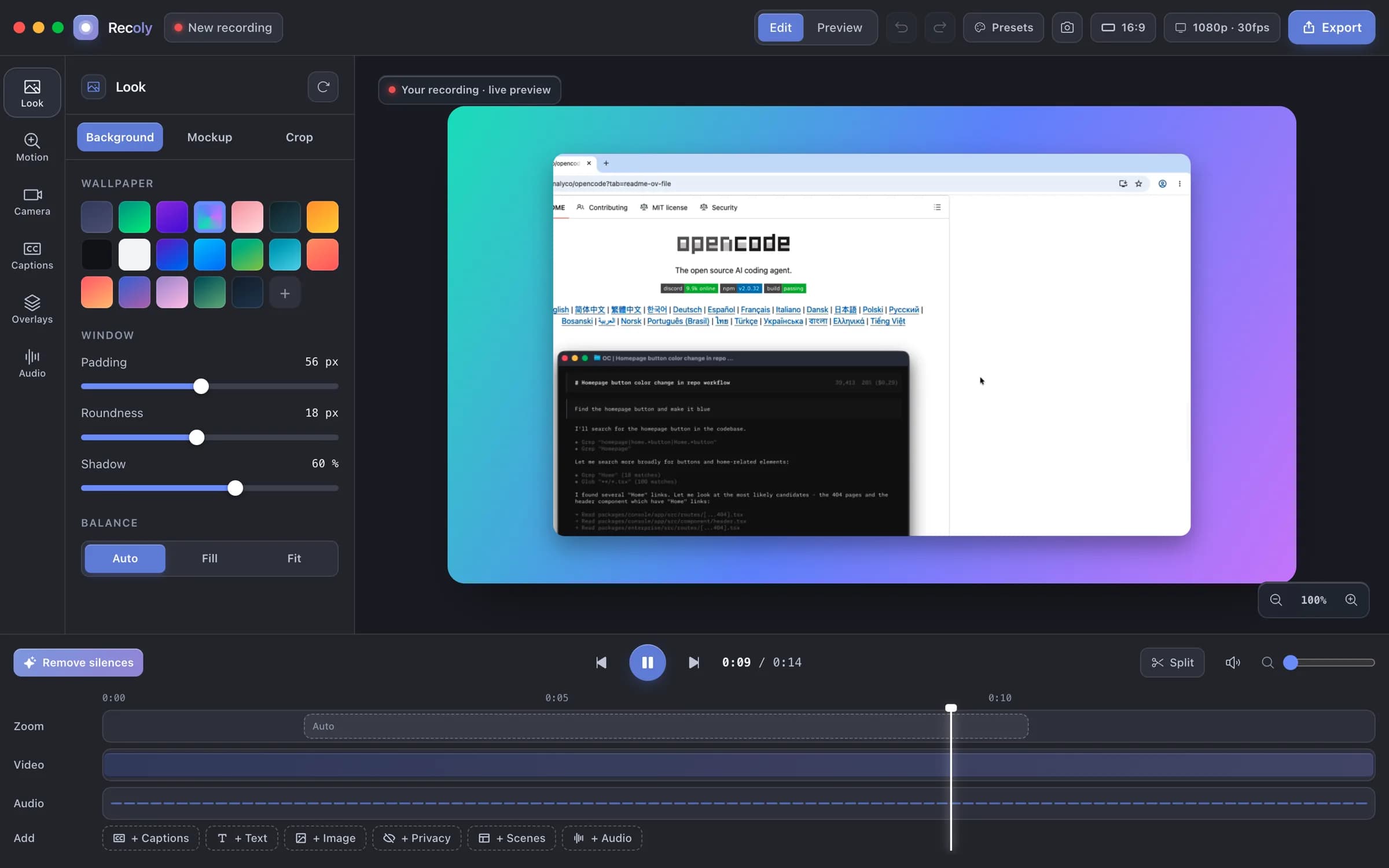
Backgrounds, device mockups, auto-zoom, captions, text, privacy masks, scenes and a real timeline. Change the look and every frame updates.
16:9 for YouTube, 9:16 for Reels and TikTok, 1:1 and 4:5 for posts. MP4 or GIF, with 4K on Pro.
See it move
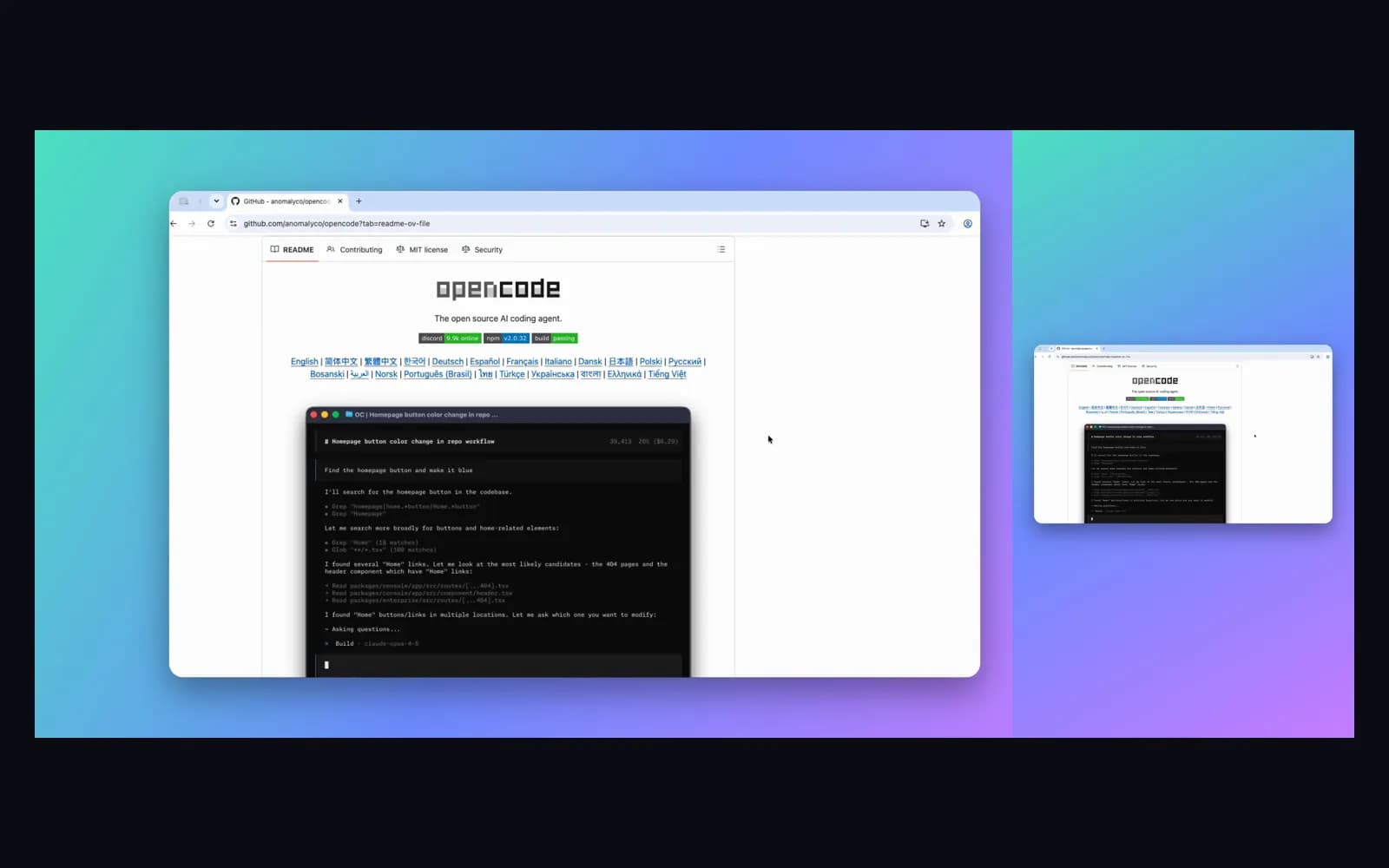
No keyframes: Recoly zooms to the action and holds steady.
Smooth motion, click ripples and keystroke badges.
Wallpapers, padding, corners and shadows in a click.
MacBook, iMac, Pro Display XDR and iPhone frames.
Generated on your Mac and styled to match.
Masks stay locked to the content through every zoom.
Everything in Recoly
Free covers the essentials; Pro adds the studio extras.
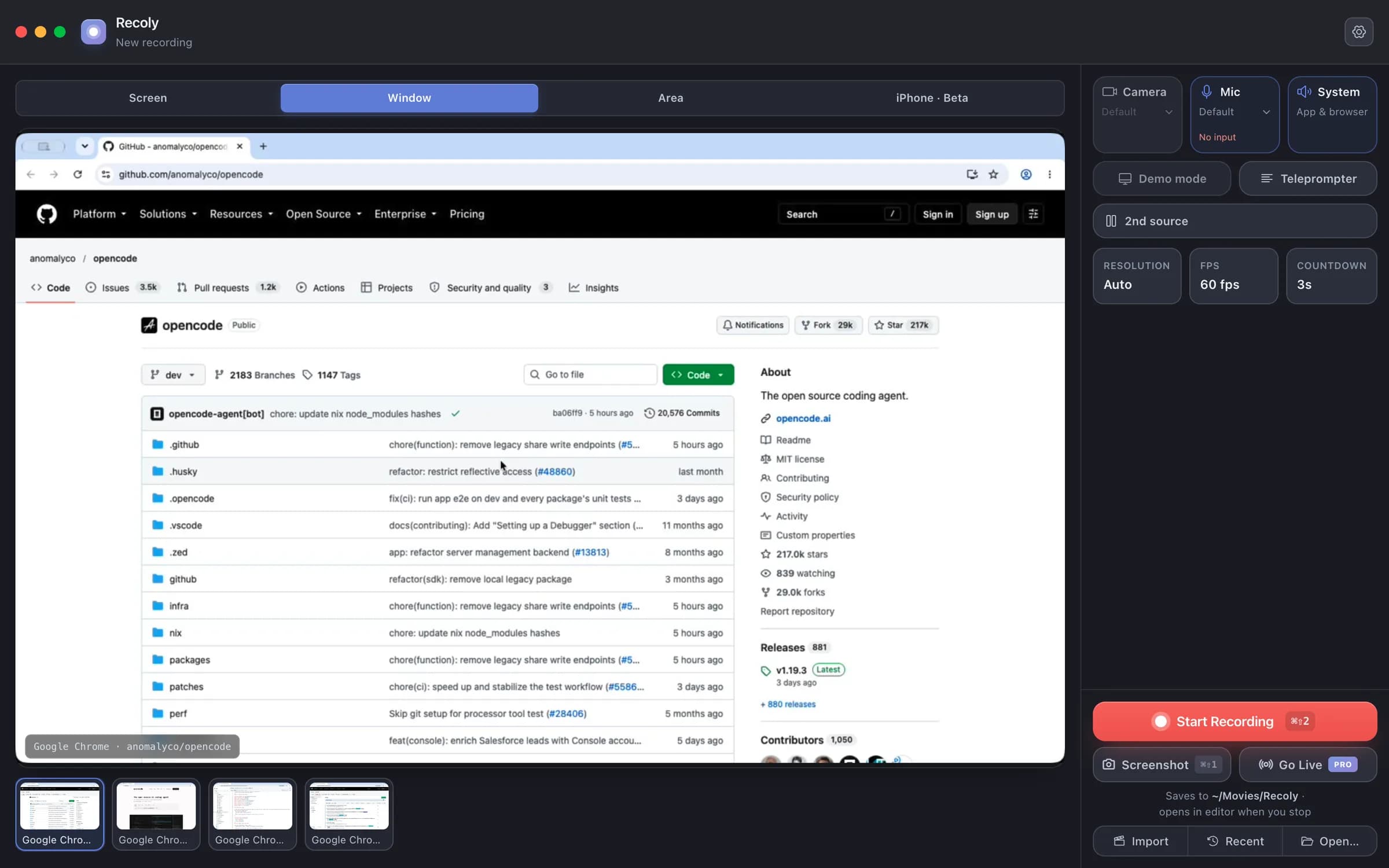
Capture a whole display, one window — even one in another Space — or any region you draw. Minimized windows are shown but greyed out.
Private by design
Recording, editing, captions and export all run on-device. No cloud upload, no account, no per-seat plan — and masks let you hide emails, keys and names before you share.
QuickTime quay được nhưng gần như không chỉnh sửa được gì. Loom sống trên đám mây. Recoly làm được cả hai — hoàn toàn gốc, và ngoại tuyến.
Hầu hết mọi người bắt đầu miễn phí và nâng cấp khi họ xuất bản video thực sự đầu tiên.
Không cần thẻ tín dụng. Không cần tài khoản. · Có thắc mắc? Chúng tôi trả lời mọi email.
Cho video hoàn chỉnh, không watermark.
Mọi thứ bạn cần để quay và chia sẻ.
Cho video hoàn chỉnh, không watermark.
Gặp sự cố khi cài đặt? Đọc hướng dẫn cài đặt
Download Recoly free. Upgrade to Pro when you ship your first real video.