01
Record anything
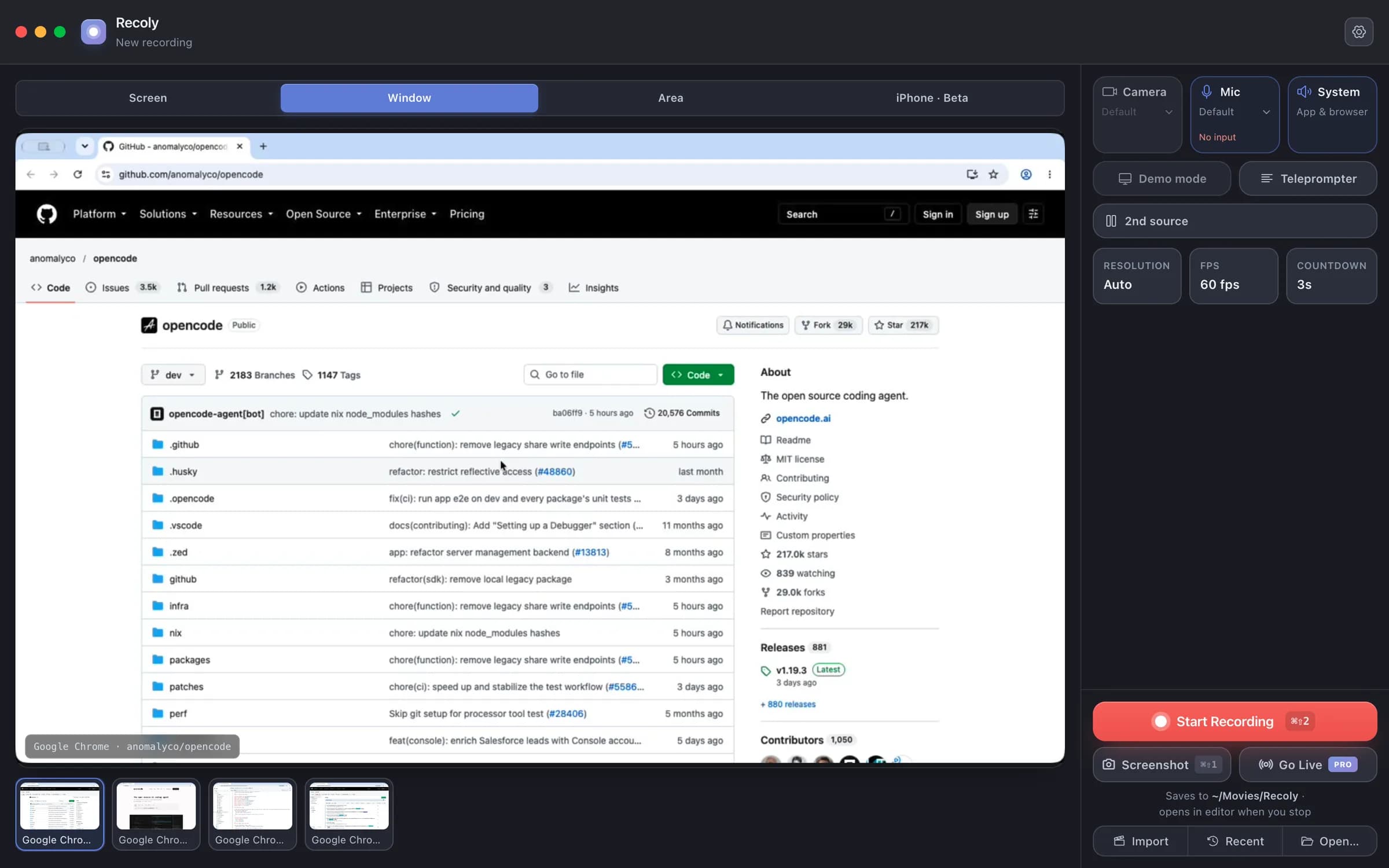
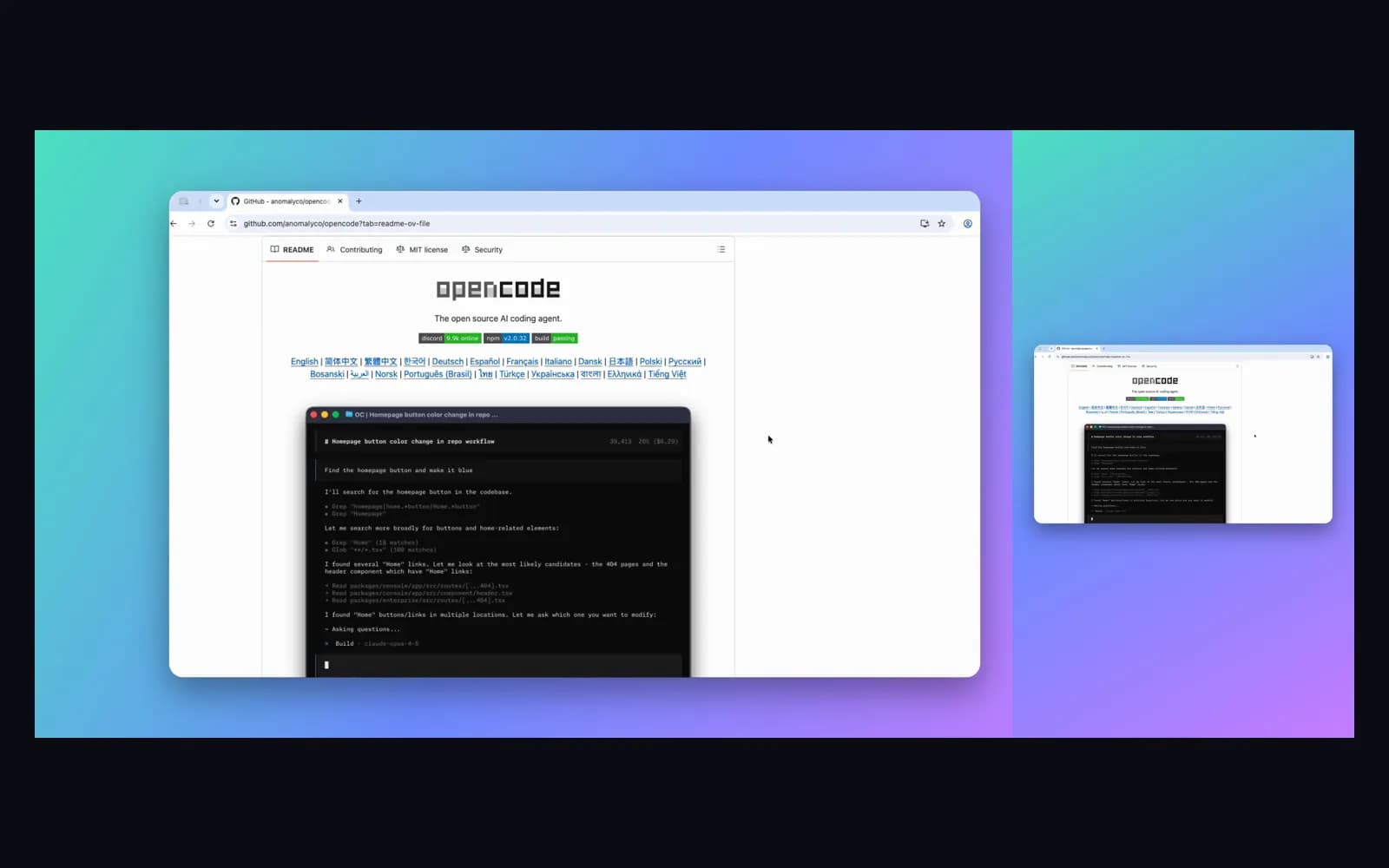
A screen, one window, any area or an iPhone — with mic, system audio, webcam and a second screen alongside. A border shows exactly what is being captured.
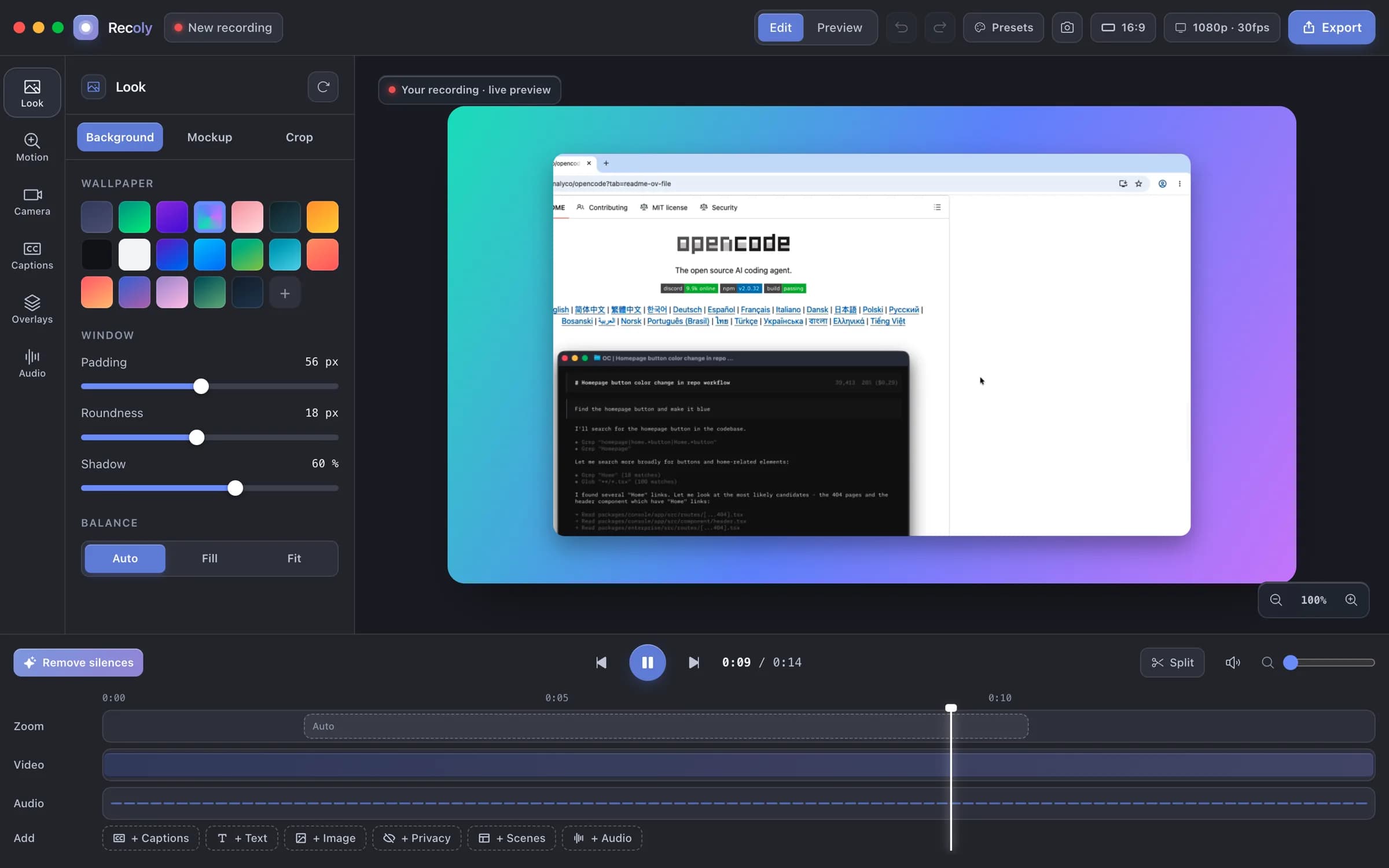
Record your Mac in up to 4K. Recoly zooms on every click, smooths the cursor, frames it on a clean background and adds captions — then lets you edit it all in one place.
Free for macOS · No account needed · Everything stays on your Mac
How it works
A screen, one window, any area or an iPhone — with mic, system audio, webcam and a second screen alongside. A border shows exactly what is being captured.
Backgrounds, device mockups, auto-zoom, captions, text, privacy masks, scenes and a real timeline. Change the look and every frame updates.
16:9 for YouTube, 9:16 for Reels and TikTok, 1:1 and 4:5 for posts. MP4 or GIF, with 4K on Pro.
See it move
No keyframes: Recoly zooms to the action and holds steady.
Smooth motion, click ripples and keystroke badges.
Wallpapers, padding, corners and shadows in a click.
MacBook, iMac, Pro Display XDR and iPhone frames.
Generated on your Mac and styled to match.
Masks stay locked to the content through every zoom.
Everything in Recoly
Free covers the essentials; Pro adds the studio extras.
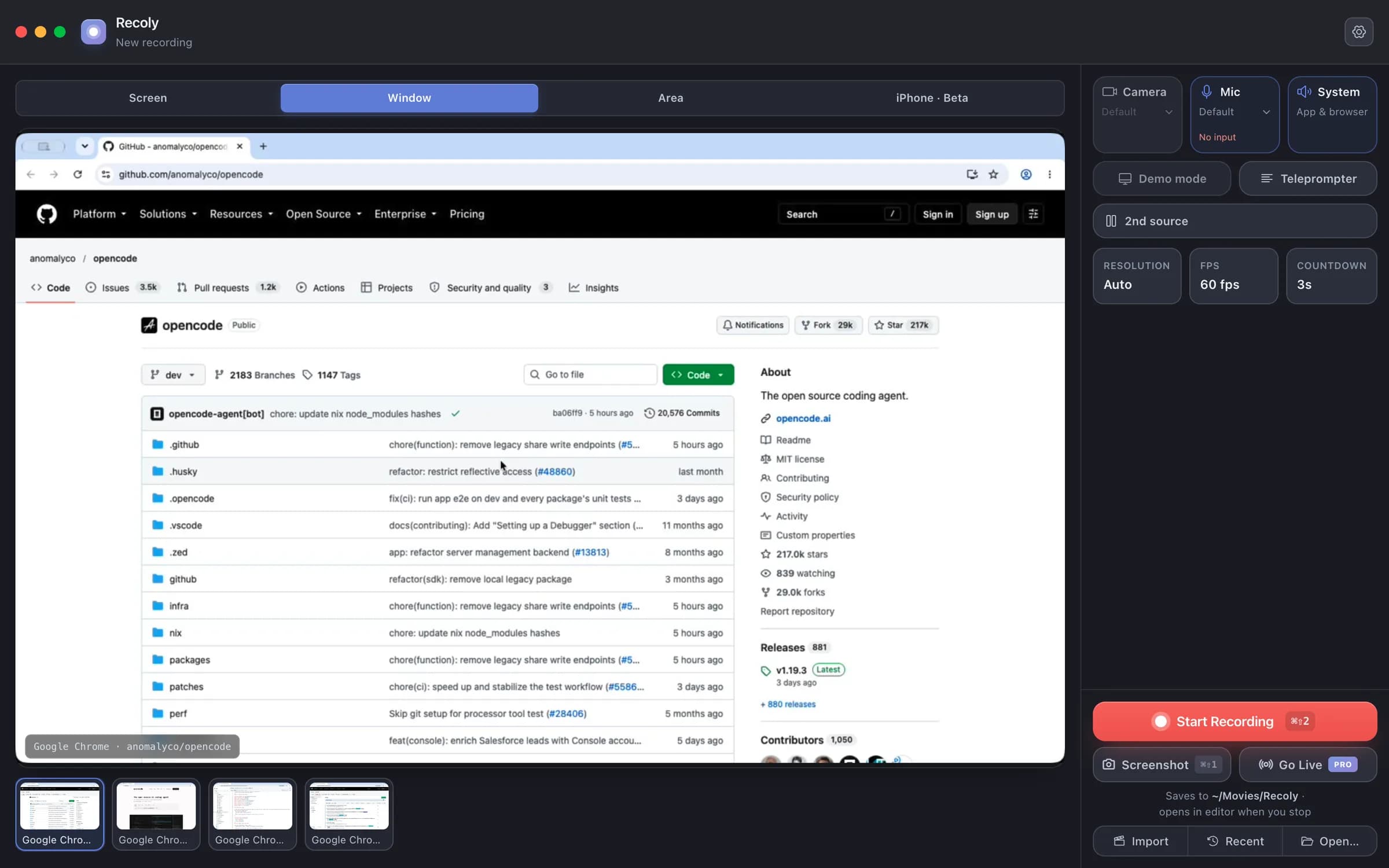
Capture a whole display, one window — even one in another Space — or any region you draw. Minimized windows are shown but greyed out.
Private by design
Recording, editing, captions and export all run on-device. No cloud upload, no account, no per-seat plan — and masks let you hide emails, keys and names before you share.
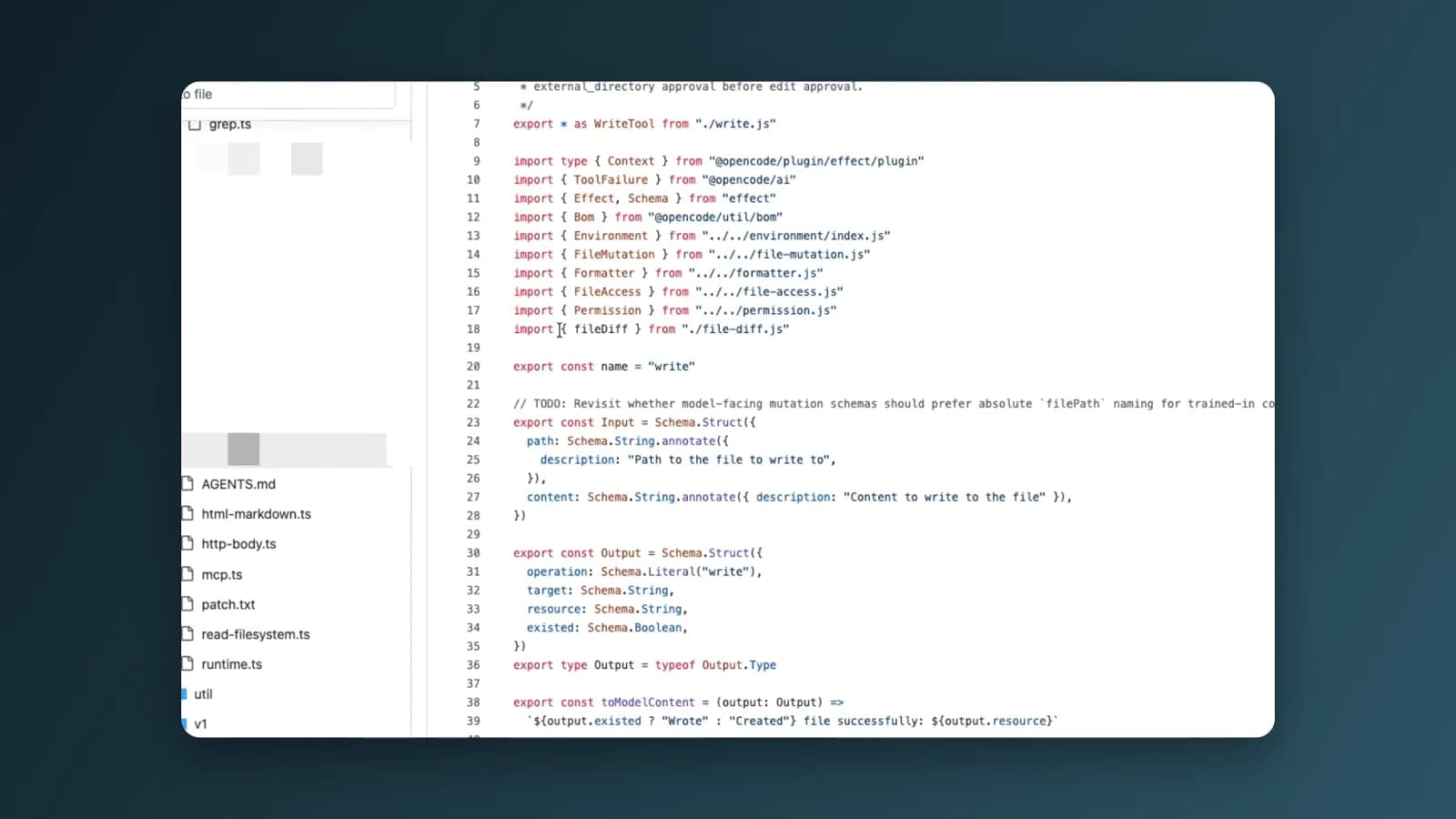
QuickTime bisa merekam tapi hampir tidak bisa mengedit. Loom hidup di cloud. Recoly melakukan keduanya — secara native, dan offline.
Kebanyakan orang mulai gratis dan upgrade saat mereka merilis video pertamanya.
Tanpa kartu kredit. Tanpa akun. · Ada pertanyaan? Kami balas setiap email.
Untuk video yang rapi dan bebas watermark.
Semua yang kamu butuhkan untuk merekam dan berbagi.
Untuk video yang rapi dan bebas watermark.
Ada kendala saat instalasi? Baca panduan instalasi
Download Recoly free. Upgrade to Pro when you ship your first real video.