01
Record anything
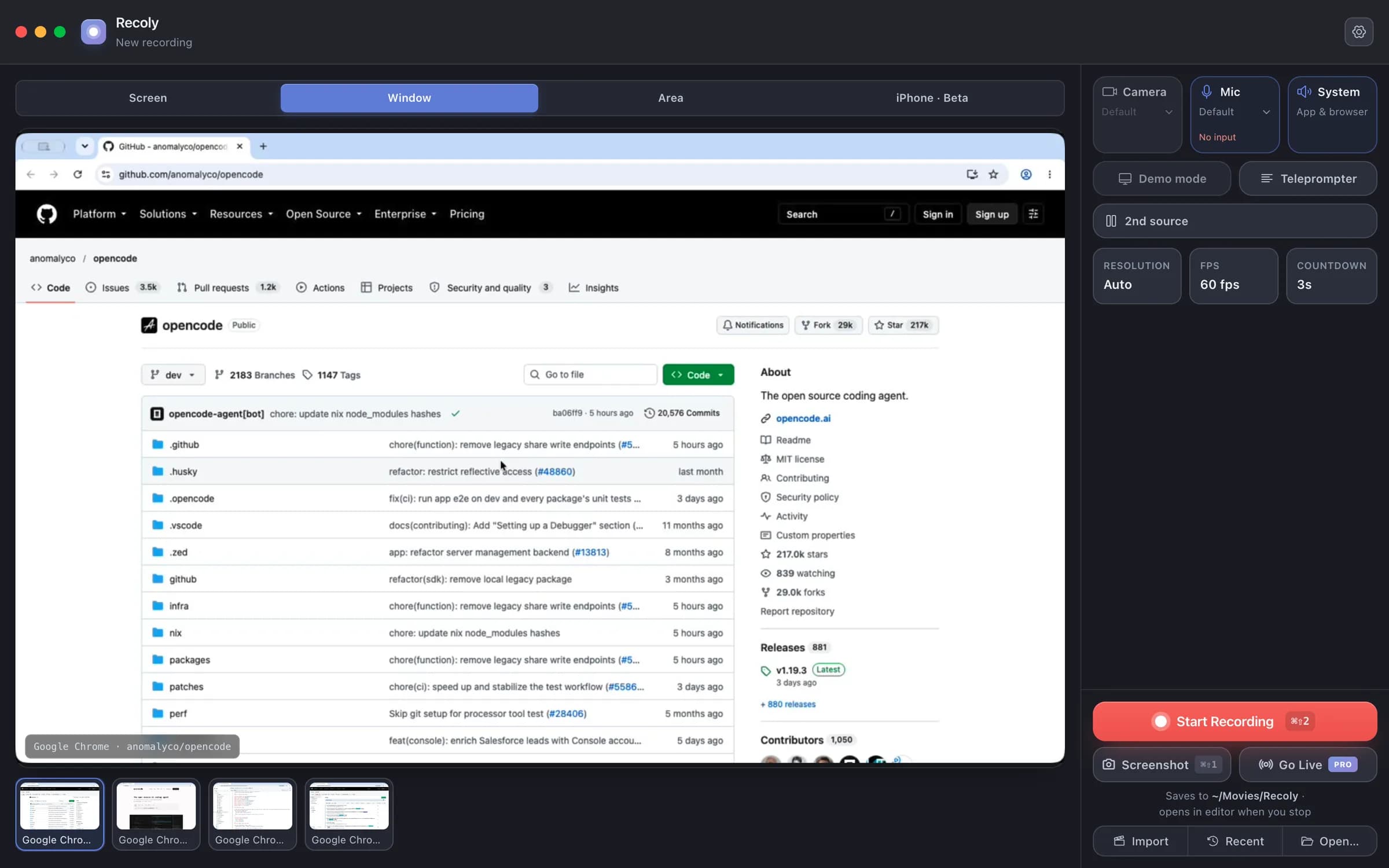
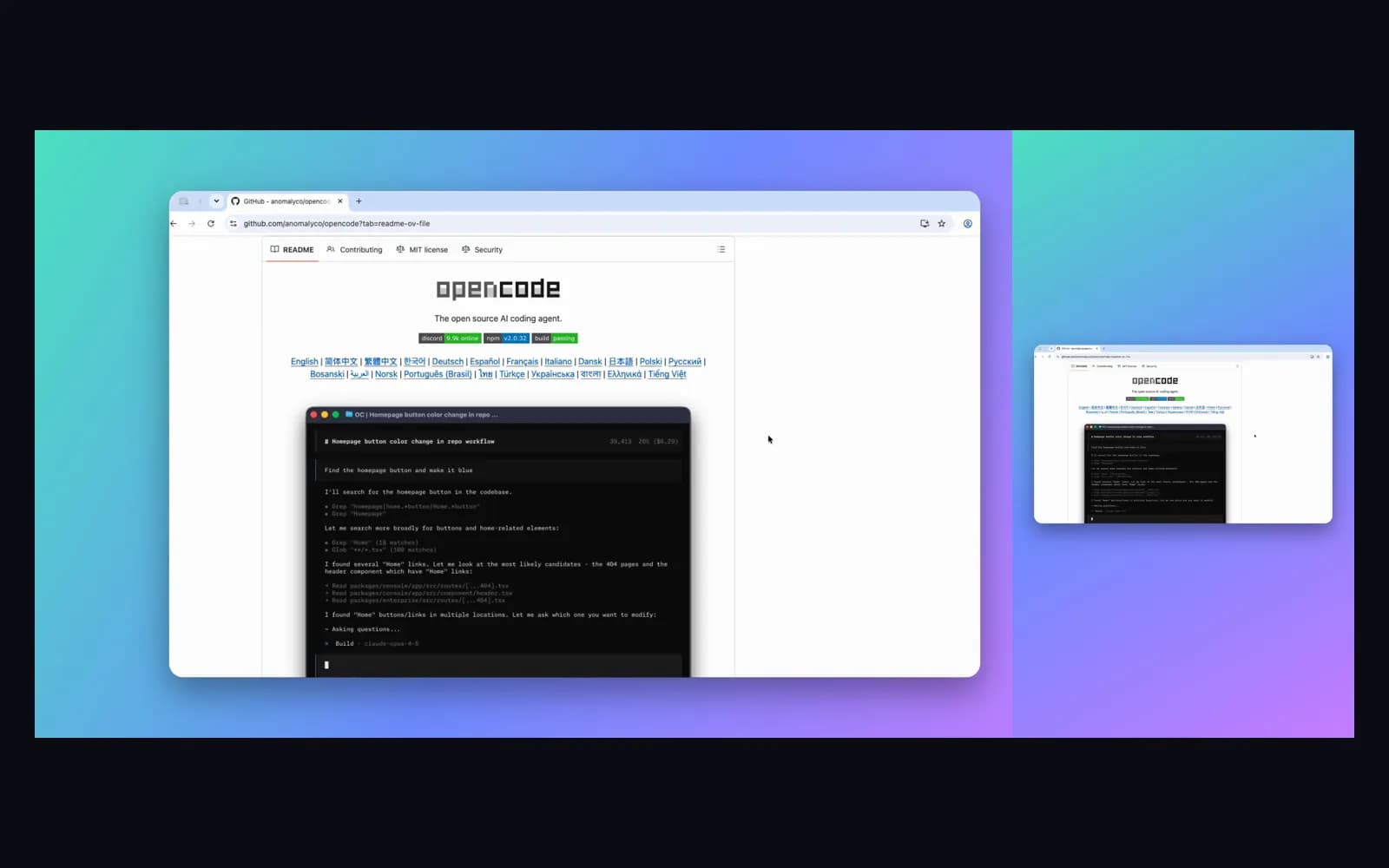
A screen, one window, any area or an iPhone — with mic, system audio, webcam and a second screen alongside. A border shows exactly what is being captured.
Record your Mac in up to 4K. Recoly zooms on every click, smooths the cursor, frames it on a clean background and adds captions — then lets you edit it all in one place.
Free for macOS · No account needed · Everything stays on your Mac
How it works
A screen, one window, any area or an iPhone — with mic, system audio, webcam and a second screen alongside. A border shows exactly what is being captured.
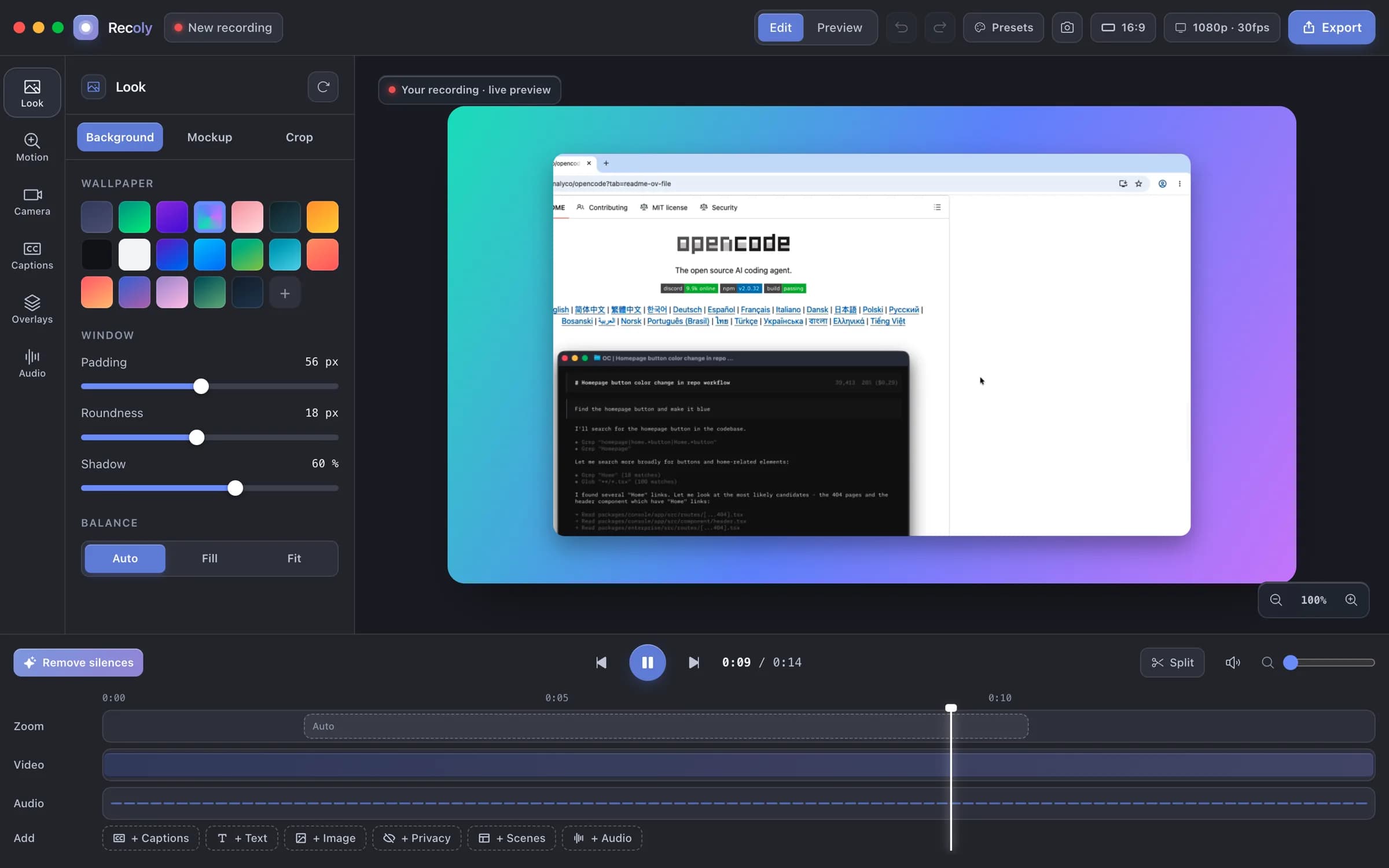
Backgrounds, device mockups, auto-zoom, captions, text, privacy masks, scenes and a real timeline. Change the look and every frame updates.
16:9 for YouTube, 9:16 for Reels and TikTok, 1:1 and 4:5 for posts. MP4 or GIF, with 4K on Pro.
See it move
No keyframes: Recoly zooms to the action and holds steady.
Smooth motion, click ripples and keystroke badges.
Wallpapers, padding, corners and shadows in a click.
MacBook, iMac, Pro Display XDR and iPhone frames.
Generated on your Mac and styled to match.
Masks stay locked to the content through every zoom.
Everything in Recoly
Free covers the essentials; Pro adds the studio extras.
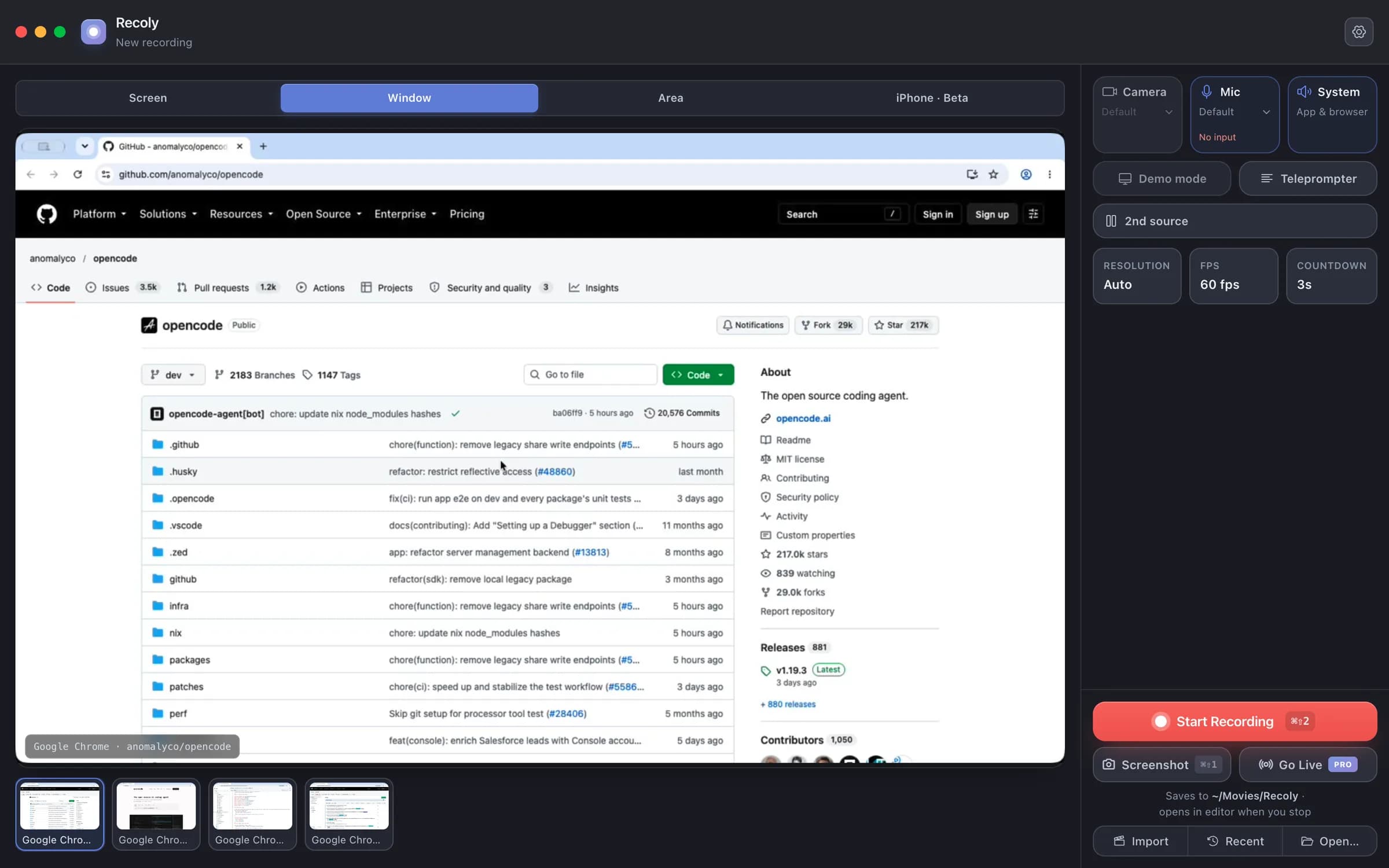
Capture a whole display, one window — even one in another Space — or any region you draw. Minimized windows are shown but greyed out.
Private by design
Recording, editing, captions and export all run on-device. No cloud upload, no account, no per-seat plan — and masks let you hide emails, keys and names before you share.
QuickTime graba pero apenas edita. Loom vive en la nube. Recoly hace ambas cosas, de forma nativa y sin conexión.
La mayoría empieza gratis y mejora al publicar su primer vídeo de verdad.
Sin tarjeta de crédito. Sin cuenta. · ¿Dudas? Respondemos todos los correos.
Para vídeo pulido y sin marca de agua.
Todo lo que necesitas para grabar y compartir.
Para vídeo pulido y sin marca de agua.
¿Problemas con la instalación? Lee la guía de instalación
Download Recoly free. Upgrade to Pro when you ship your first real video.