Download Recoly for Mac
The screen recorder that edits for you. Free to use, no account — and it keeps itself up to date.
Apple Silicon means an M1 chip or newer. Not sure? Apple menu → About This Mac.
Free · No account · Updates itself · v0.9.10
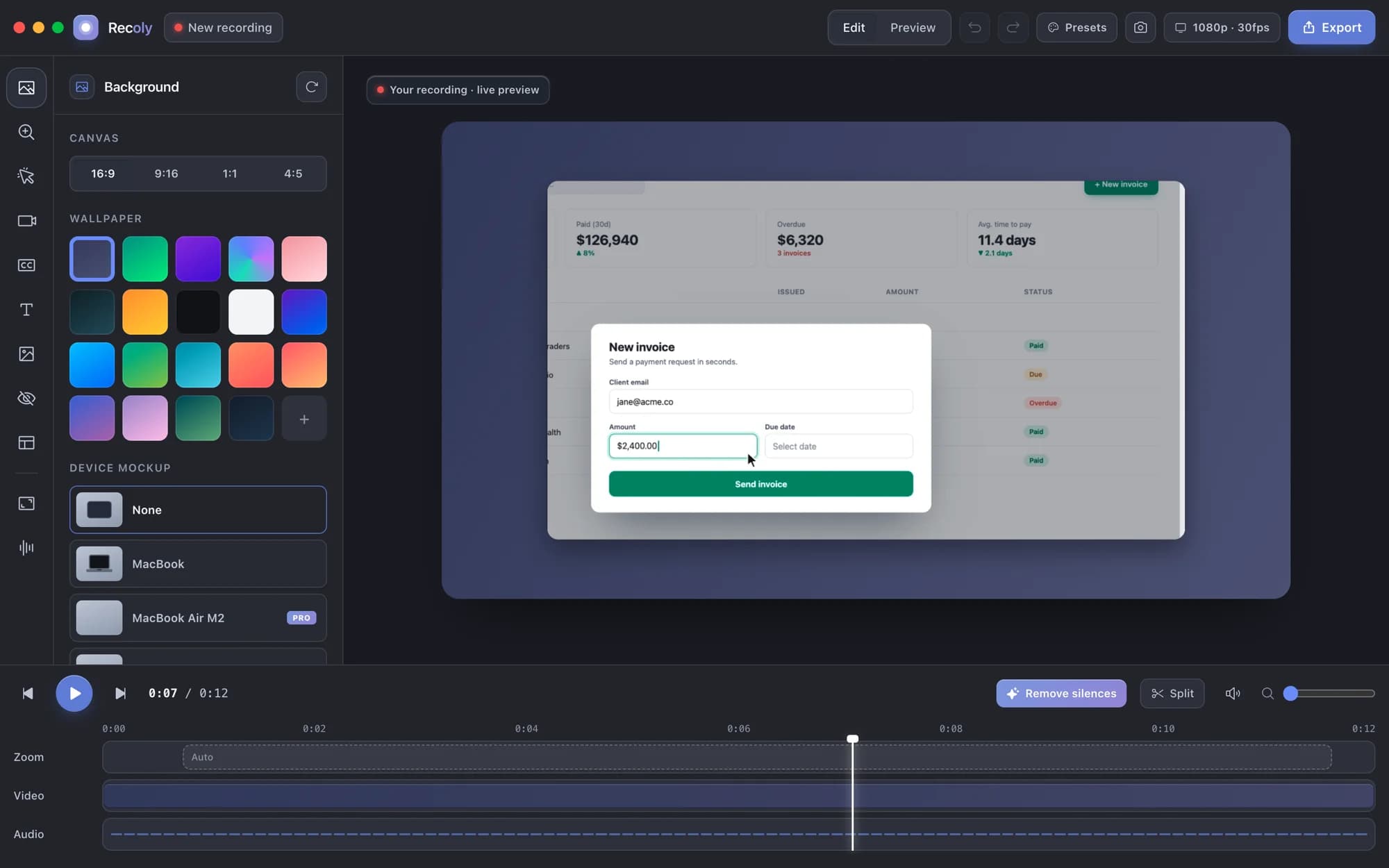
Set up in a minute
- 01
Install
Open the DMG and drag Recoly into Applications. Run it from there so updates can install.
- 02
Open
Recoly is notarized by Apple, so a normal double-click works. macOS asks once to confirm an app from the internet.
- 03
Allow access
Screen Recording is required. Accessibility lets auto-zoom follow your clicks. Microphone and Camera only if you use them.
- 04
Record
⌘⇧2 starts a recording, ⌘⇧3 stops it, ⌘⇧1 takes a screenshot. Recoly also lives in your menu bar.
Trouble opening Recoly? Read the install guide →
System requirements
- macOS 13 Ventura or later
- Apple Silicon (M1 or newer) or Intel
- Caption translation needs macOS 15 or later
- No account. Nothing is uploaded — only an update check you can turn off.
This release
- Version
- v0.9.10
- Released
- October 17, 2026
- Size
- 137.3 MB
shasum -a 256 ~/Downloads/Recoly-*.dmgHave a Pro license?
Open Recoly, click Enter license key, paste the key from your email and press Activate. One license covers up to 3 Macs.
No license yet? See pricing